Running pace measures time; speed measures distance
Running pace tells you how long it takes to cover one kilometre, usually in minutes and seconds. Speed tells you how far you travel in one hour. A pace of 6:00 min/km equals 10 km/h, provided both figures use the same distance and time.
The numbers move in opposite directions. A pace of 6:00 min/km is faster than 7:00 min/km, while a speed of 10 km/h is faster than 9 km/h. Knowing which unit you are reading makes a saved run easier to understand, whether you use kilometre splits in a French park or compare a UK treadmill's km/h display with an outdoor run.
What does 6:30 min/km mean?
The display means six minutes and thirty seconds per kilometre. The colon separates minutes from seconds. It does not mean 6.30 minutes in decimal notation.
For calculations, convert the seconds first: thirty seconds is half a minute, so 6:30 min/km becomes 6.5 minutes per kilometre. Maintaining that average over 5 km would take 32 minutes and 30 seconds. This is a worked example, not a recommended training pace.
Imagine a 3 km park loop completed in 21 minutes. Using those 21 minutes, the average pace is 21 ÷ 3 = 7:00 min/km, and the average speed is approximately 8.6 km/h. They describe the same outing in different units.
Convert min/km to km/h
The formula is speed in km/h = 60 ÷ pace in minutes per kilometre. In the other direction, pace in minutes per kilometre = 60 ÷ speed in km/h. Convert the fractional minute back into seconds for a familiar pace display.
| Pace | Equivalent speed | Time for 5 km |
|---|---|---|
| 5:00 min/km | 12 km/h | 25 minutes |
| 6:00 min/km | 10 km/h | 30 minutes |
| 6:30 min/km | about 9.2 km/h | 32 minutes 30 seconds |
| 7:30 min/km | 8 km/h | 37 minutes 30 seconds |
| 8:00 min/km | 7.5 km/h | 40 minutes |
These are unit conversions, not pace standards for beginners or experienced runners. The 5 km times assume the stated pace across the whole distance, without adding stops outside the time used to calculate that pace.
If another device uses min/mile, check the unit before comparing its number with min/km. Both describe pace, but over different distances. A familiar-looking number without its unit is not enough to compare two recordings.
Why might the app's average differ from your calculation?
First check which time you divided by distance. Moving time, timer time and the full time from start to finish can differ when a run includes pauses. The same distance divided by different durations produces different pace values. Our guide to moving time versus elapsed time explains that distinction.
Current pace is also different from the average for a whole run. A live number describes a shorter part of the outing; an overall average covers a longer period. For example, Garmin's data-field reference distinguishes current, average and lap pace. That terminology does not mean every app processes its data identically.
Recorded distance and rounding matter too. Calculating from a distance already rounded for display may not reproduce the summary to the nearest second. If the map trace looks unusual, read why a GPS route can differ from the path you took before interpreting a small pace change as a change in performance.
Review a saved run in Nourri
Open a saved activity in Nourri Active and read the distance, duration and units attached to its metrics. Compare pace with pace and speed with speed, using the same time basis wherever possible.
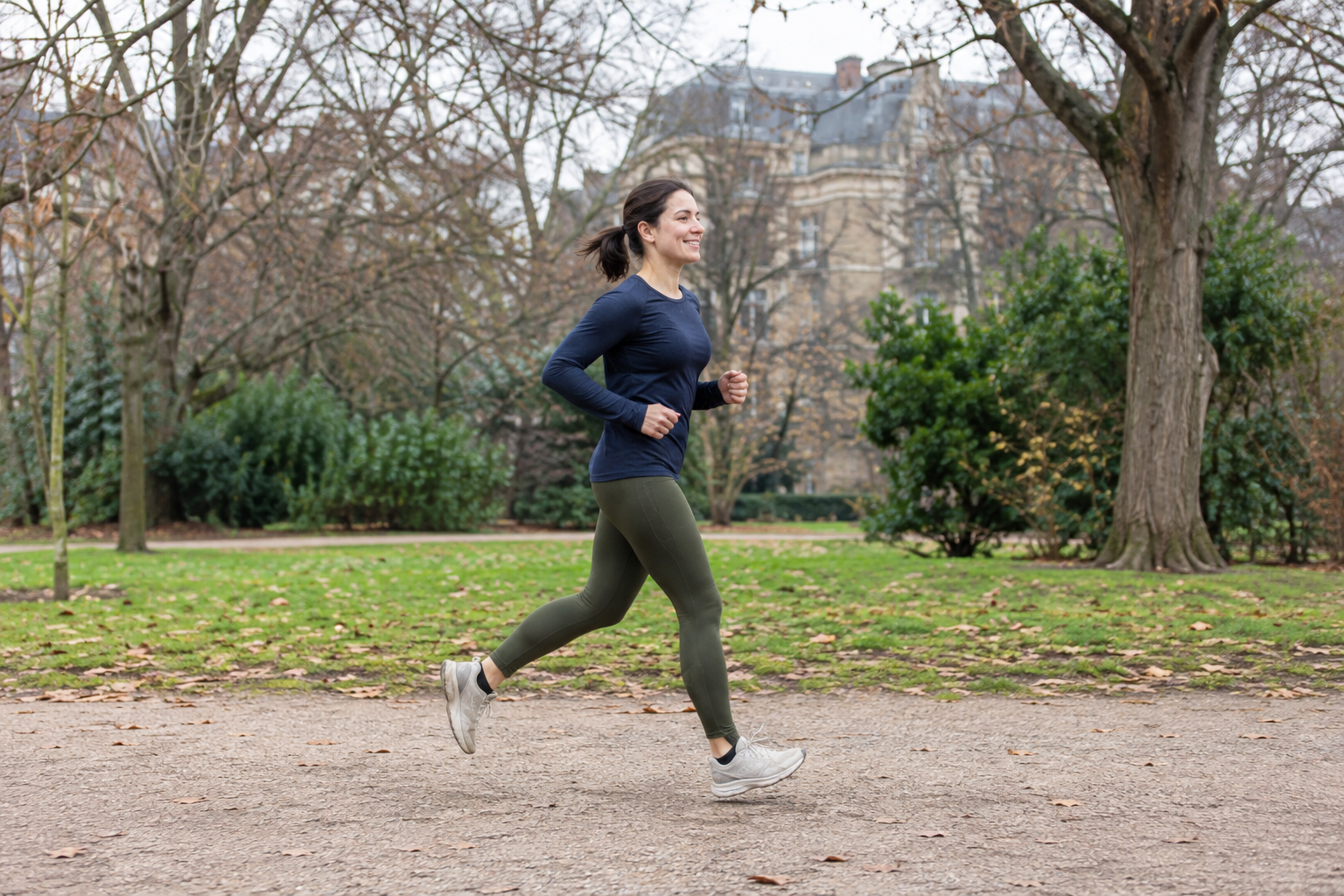
A lunch-break loop with road crossings, a gravel path with autumn leaves and a flat uninterrupted route provide different contexts. Note the route, hills, surface, pauses and purpose of the session when comparing two runs. A lower pace number is useful information, but it is not the only reason an outing was worthwhile.
Start with one recording: identify the unit, check the time and then review the distance. Download Nourri on the App Store or Google Play to record and review your activities.